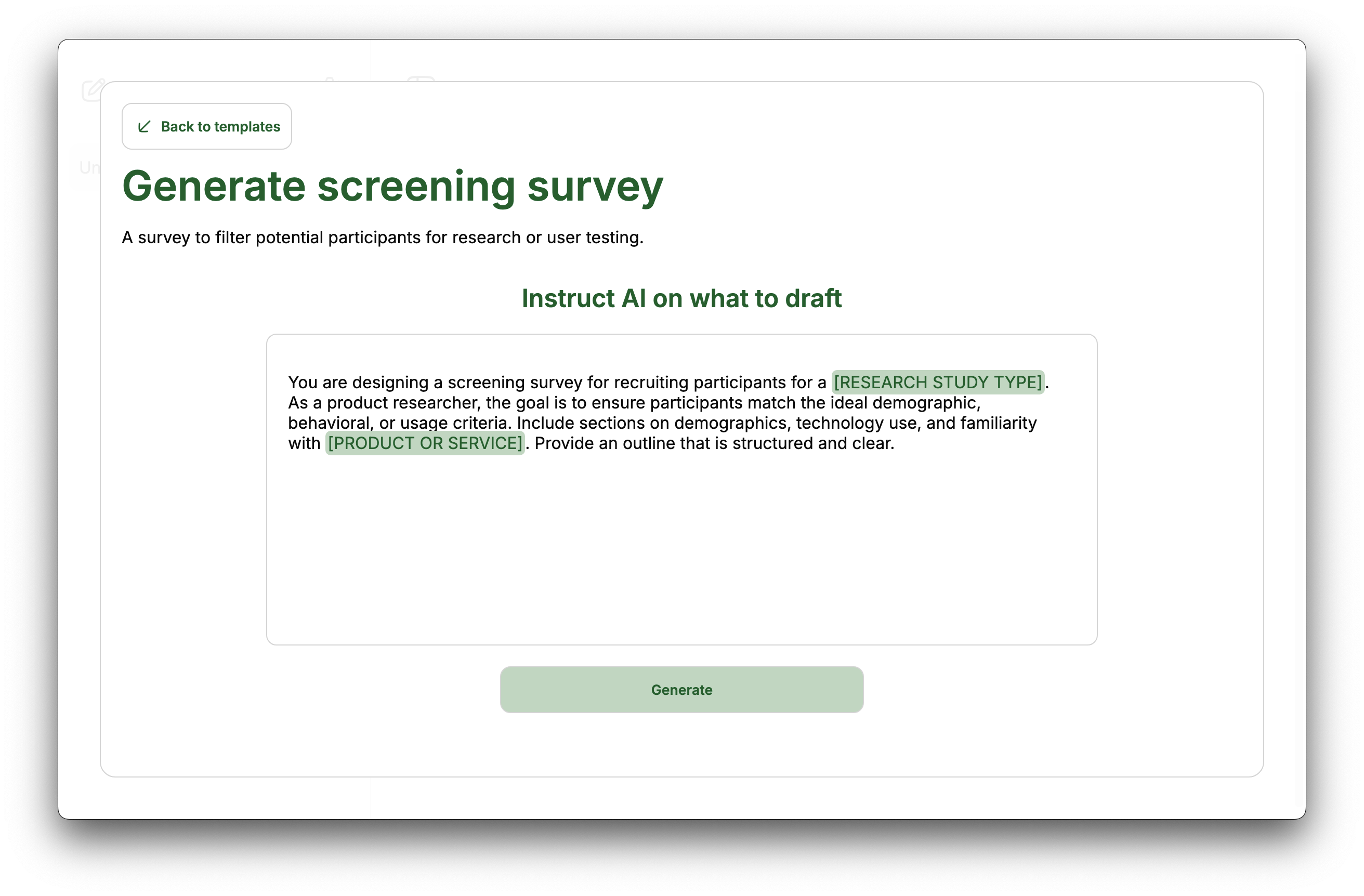
How to generate a draft in Manzoni editor
Sometimes you don't know how to structure a topic you want to talk about or you need a quite standard document such as a privacy policy jotted down quickly so you can directly focus on the details.
This is when the Manzoni draft feature can help.
Here's how to use it:
-
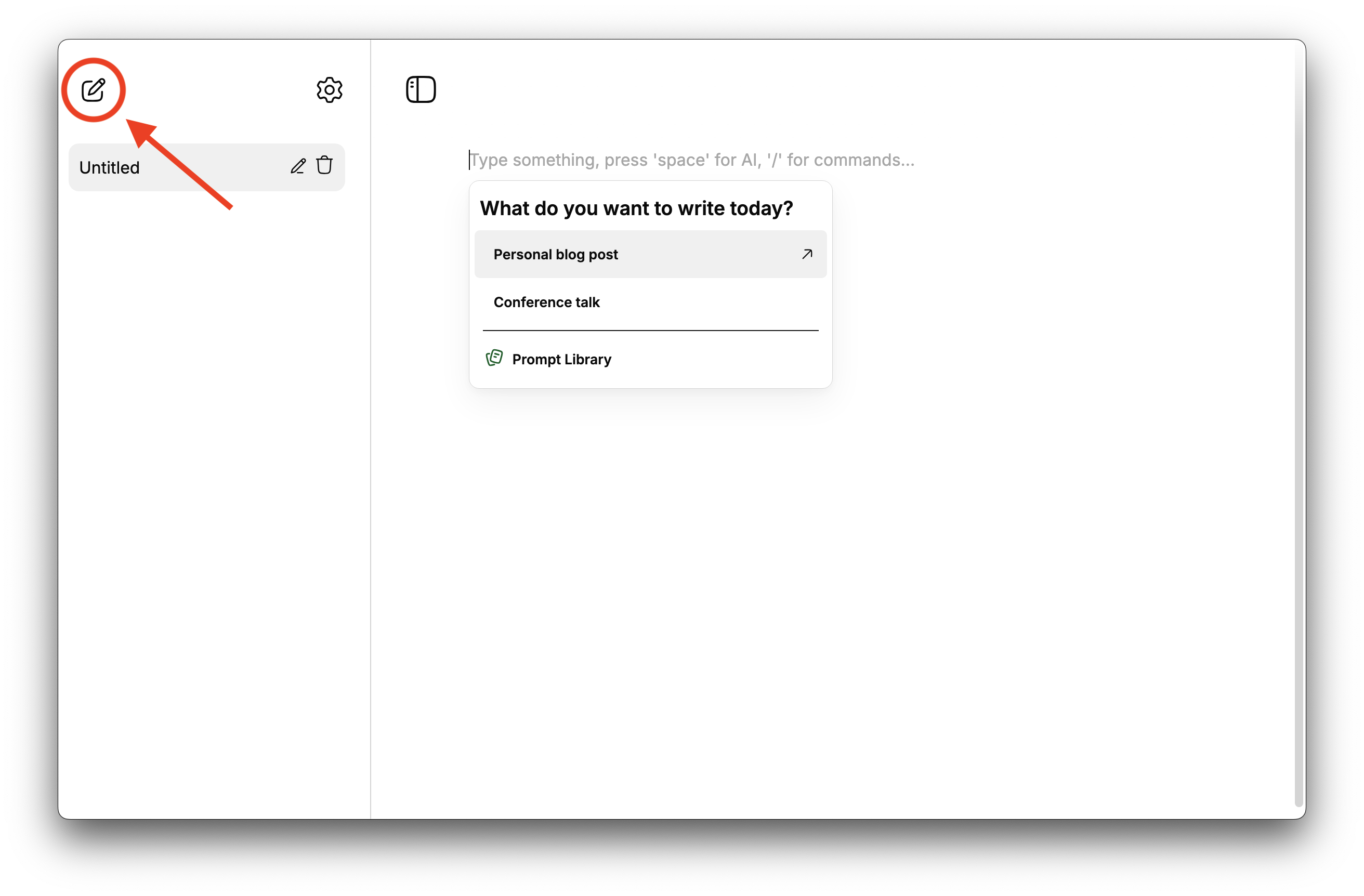
Create a new document or open and empty one.
-
Select a suggested or recently used template from the popup, or open the prompt library.
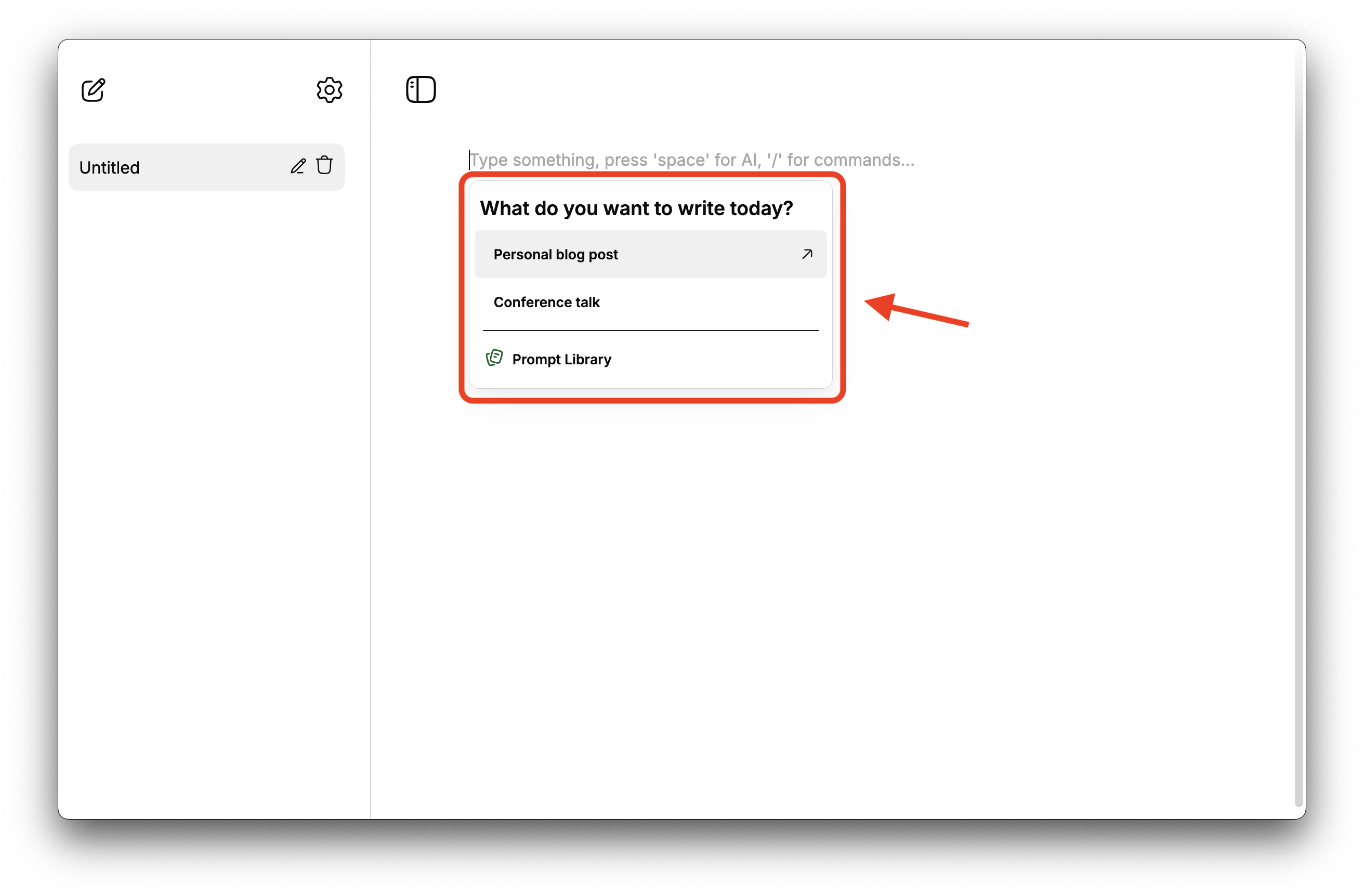
Please note that to see the popup the empty document needs to have just one line, if it has two or more empty lines it won't be considered as an empty document and the draft popup won't be visible.
-
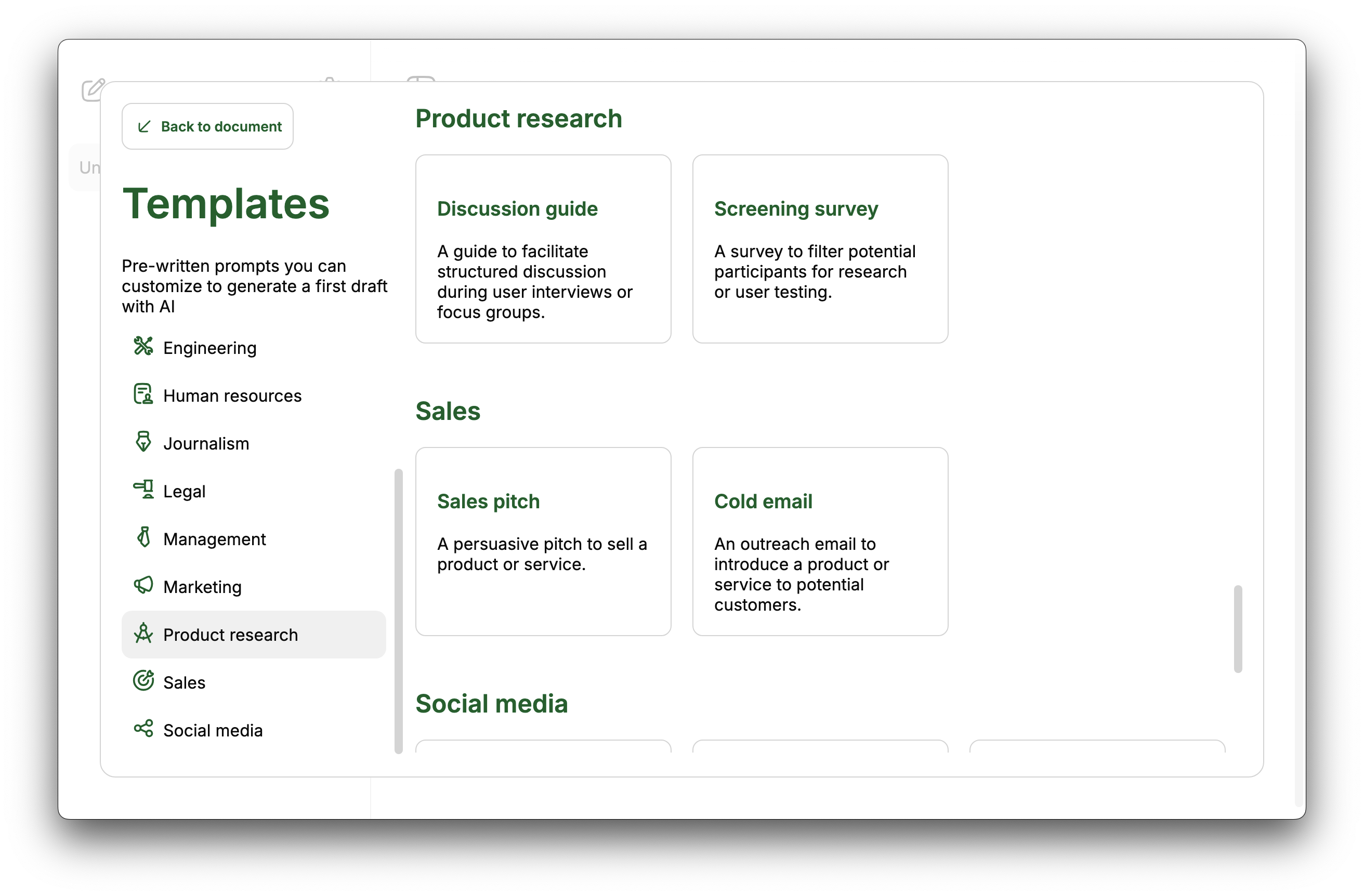
Select among 35+ prompt templates.
-
Update the default prompt according to your needs and press 'Generate'.